DeAI PixelKit
A downloadable tool
Strip AI artifacts from pixel art in Aseprite.
AI image generators churn out "pixel art" that looks pixelated at a glance — but zoom in and you'll see fuzzy edges, inconsistent block sizes, and noisy backgrounds. DeAI PixelKit is an Aseprite extension that fixes that. Two tools, one click, runs locally. No cloud, no API keys, no Python.
✨ Two Tools
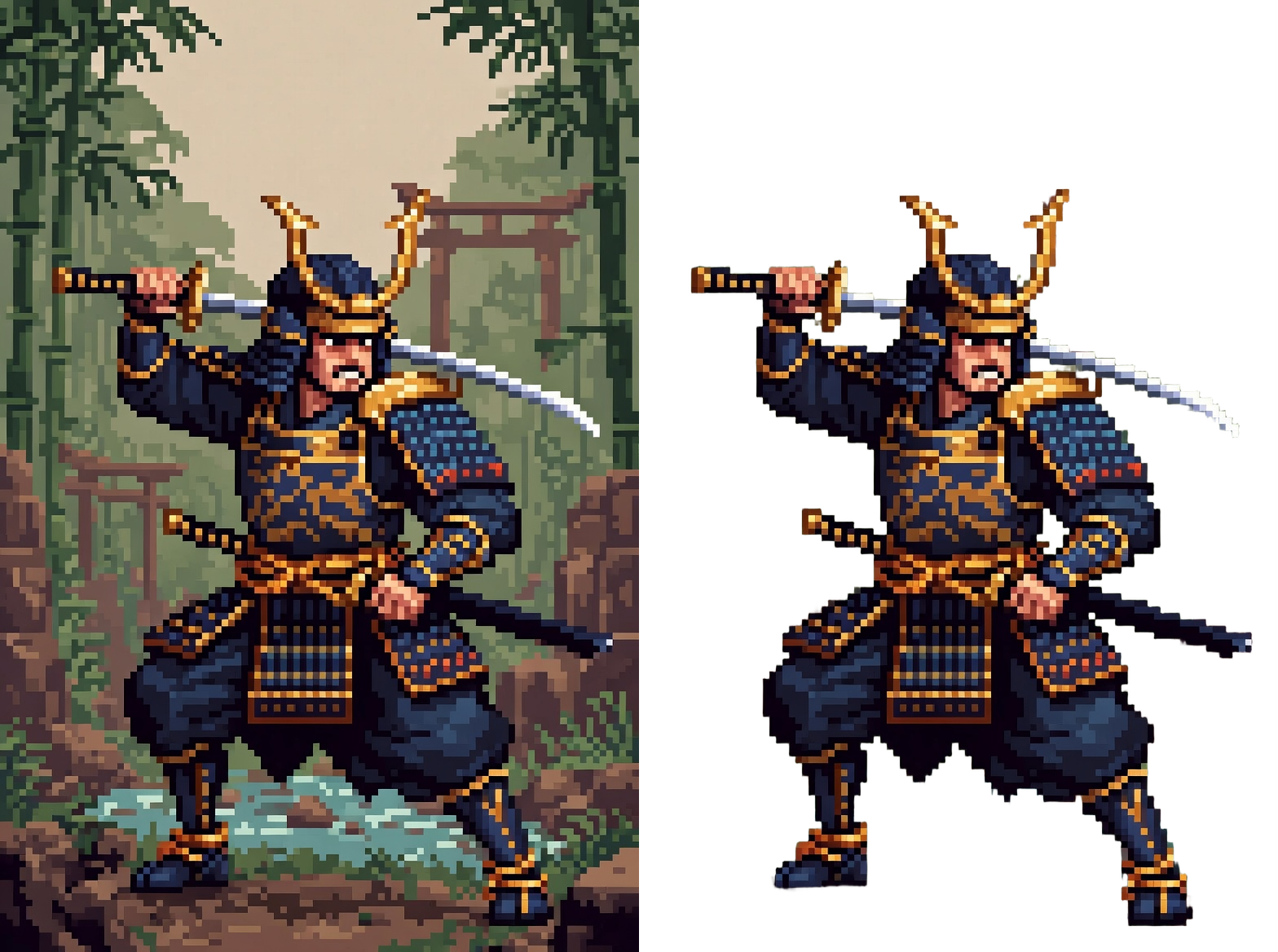
🤖 AI BG Remover — One-click background removal powered by RMBG-2.0 (Bria AI). Auto-detects GPU via DirectML (NVIDIA / AMD / Intel), falls back to CPU. ~5 seconds on GPU, ~20 on CPU.
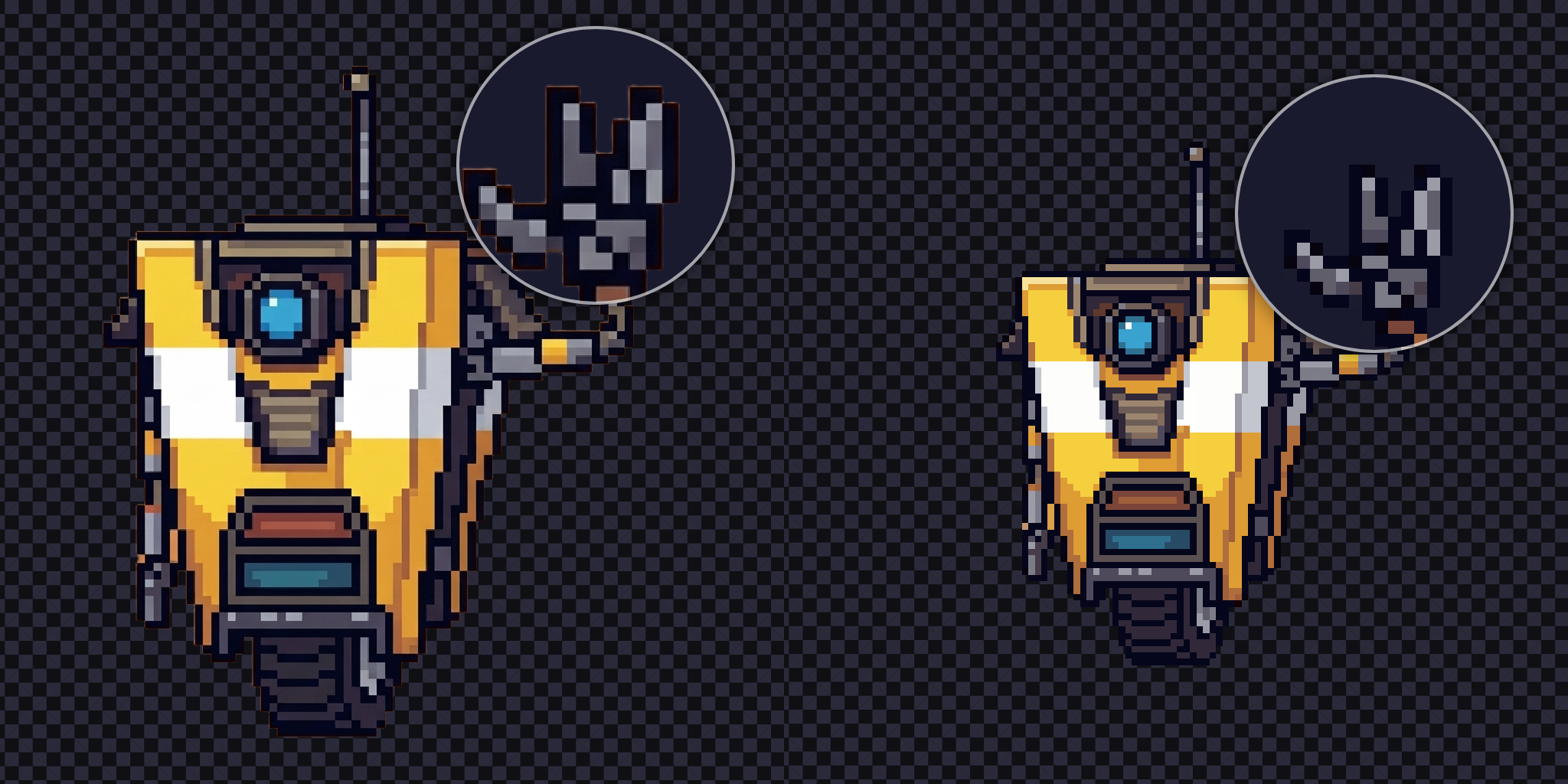
🎯 Pixel Scale — Detects the true pixel grid in fake pixel art and snaps it to real resolution. Two engines: K-means++ (deterministic) and NeuQuant (neural). Side-by-Side mode runs both for comparison. Under 1 second.
💻 Requirements
- Aseprite 1.3+
- Windows 10/11 (x64)
- ~250 MB disk
📜 License
Plugin code is MIT. Bundled binaries (Pixel Snapper, NeuQuant, ONNX Runtime) are MIT.
The RMBG-2.0 model is under the Bria CO License — free for personal / non-commercial use. Commercial use requires a separate license from Bria AI. Pixel Scale has no such restriction.
🤖 AI Disclosure
This project is built with AI assistance — the code was written collaboratively with an LLM, and the example screenshots use AI-generated source images (which is exactly what this tool is built to fix). The bundled RMBG-2.0 model is open-source software shipped as a dependency.
🙏 Credits
RMBG-2.0 (Bria AI) · Pixel Snapper (Hugo Duprez) · color_quant / NeuQuant · ONNX Runtime
Leave a comment if you find a bug or want a feature.
Download
Install instructions
- Download and unzip.
- Aseprite → Edit → Preferences → Extensions → Add Extension
- Select
deai-pixelkit.aseprite-extension, restart.
Both tools live under Edit → FX.
Comments
Log in with itch.io to leave a comment.
MASTERPIECE
well, after I actually used this: IT IS ABSOLUTE MASTERPIECE
Thanks, my friend~